
Fixed My Website’s RSS Image Problems
October 15, 2026
For the longest time my post’s featured images were not showing up in my website’s RSS feed. It was becoming an annoyance so I finally got around to looking into it. After a bit of research I ended up using the Code Snippets WordPress plugin to add the following PHP snippet:
function grs_add_featured_image_to_rss( $content ) {

    if ( ! is_feed() ) {
        return $content;
    }

    $post_id      = get_the_ID();
    $thumbnail_id = get_post_thumbnail_id( $post_id );

    if ( ! $thumbnail_id ) {
        return $content;
    }

    $image_url = wp_get_attachment_image_url( $thumbnail_id, 'large' );

    if ( ! $image_url ) {
        return $content;
    }

    $alt = get_post_meta( $thumbnail_id, '_wp_attachment_image_alt', true );

    if ( empty( $alt ) ) {
        $alt = get_the_title( $post_id );
    }

    $image = sprintf(
        '<p><img src="%s" alt="%s" style="display:block;max-width:100%%;height:auto;" /></p>',
        esc_url( $image_url ),
        esc_attr( $alt )
    );

    return $image . $content;
}

add_filter( 'the_content_feed', 'grs_add_featured_image_to_rss', 999 );
add_filter( 'the_excerpt_rss', 'grs_add_featured_image_to_rss', 999 );
I used this approach because it made no changes to my site’s appearance, there was no need to insert photographs twice, it uses the featured images I’ve already assigned, it keeps the feed’s image size reasonable by requesting WordPress’s large image size, and it will continue working automatically for future posts.
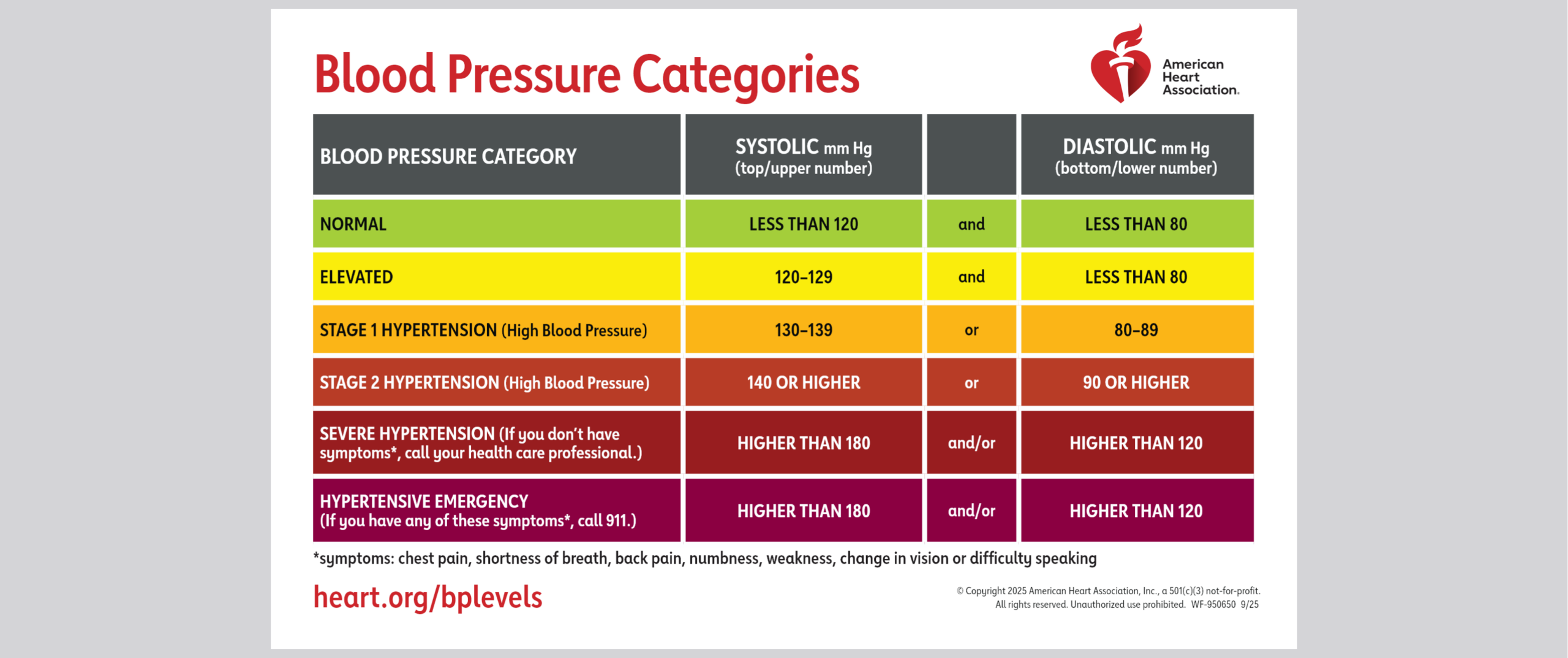
So now I’m a happier guy than I was before, with one less annoyance in my life. Blood pressure’s fine, by the way.